
wavixo – WordPress Theme

Meta Tech Provider

Help Center - Articles Detail

Getting Started with the Wavixo Platform
for Your Business

quick-start guide to help you understand and begin using Wavixo effectively.

Support
Getting Started

Overview

Viewing reports in Wavixo helps businesses track the performance of their WhatsApp campaigns and messaging activities. The reports provide insights such as message delivery status, user engagement, and campaign results. By analyzing these reports, businesses can understand how their messages are performing, identify areas for improvement, and optimize future campaigns for better results.
wavixo

Working Steps

wavixo

Some Easy Steps To View Reports in Wavixo

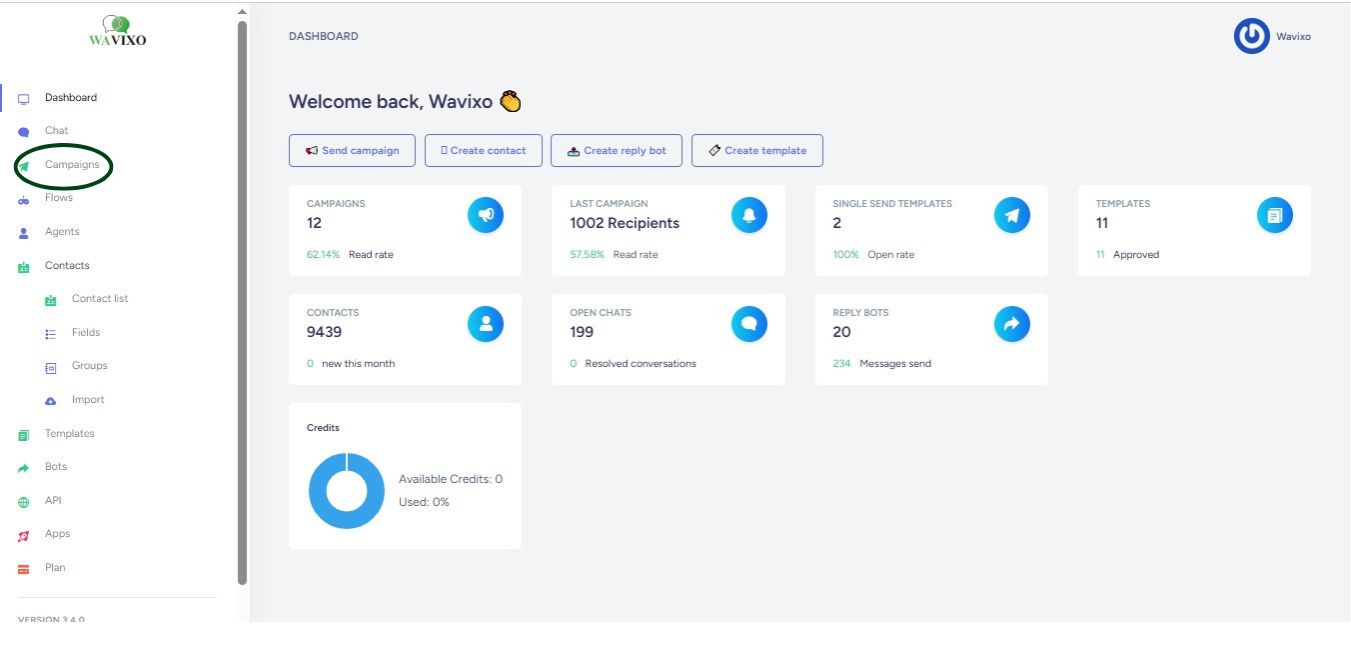
#1 click on the Campaigns option from the left side menu

wavixo

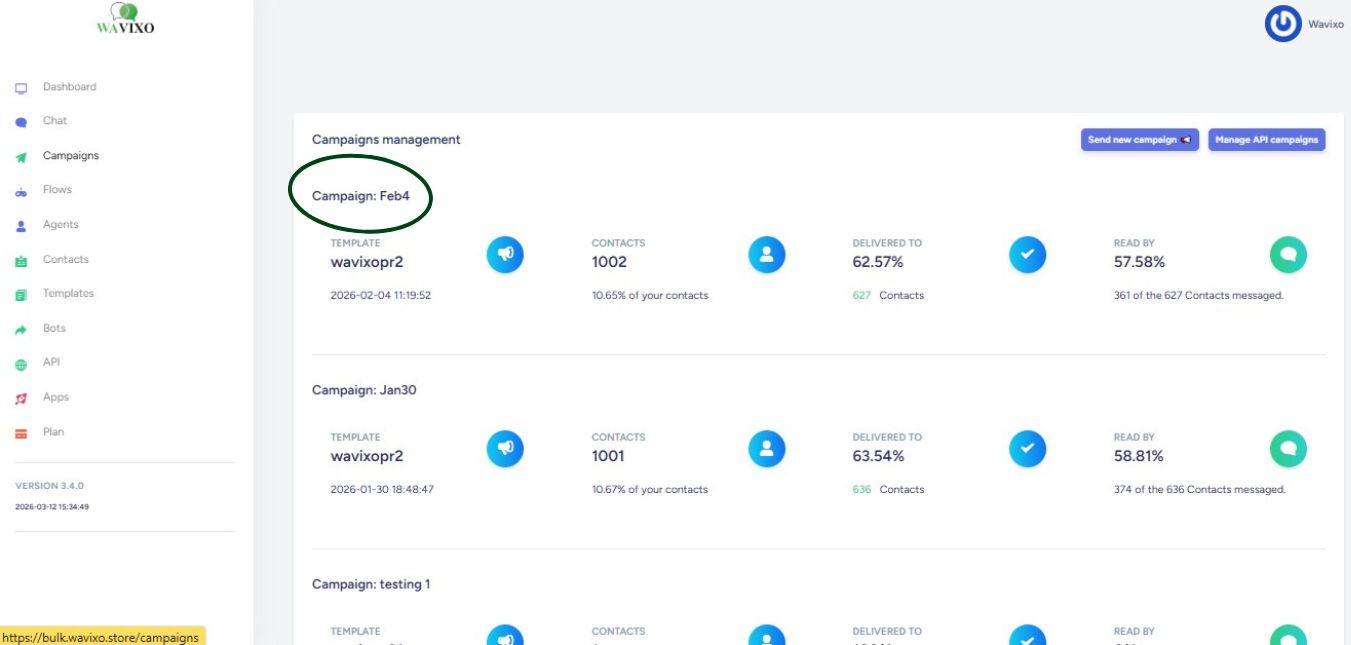
#2 Click on campaign you ran.

You will see the below campaigns you have run.

wavixo

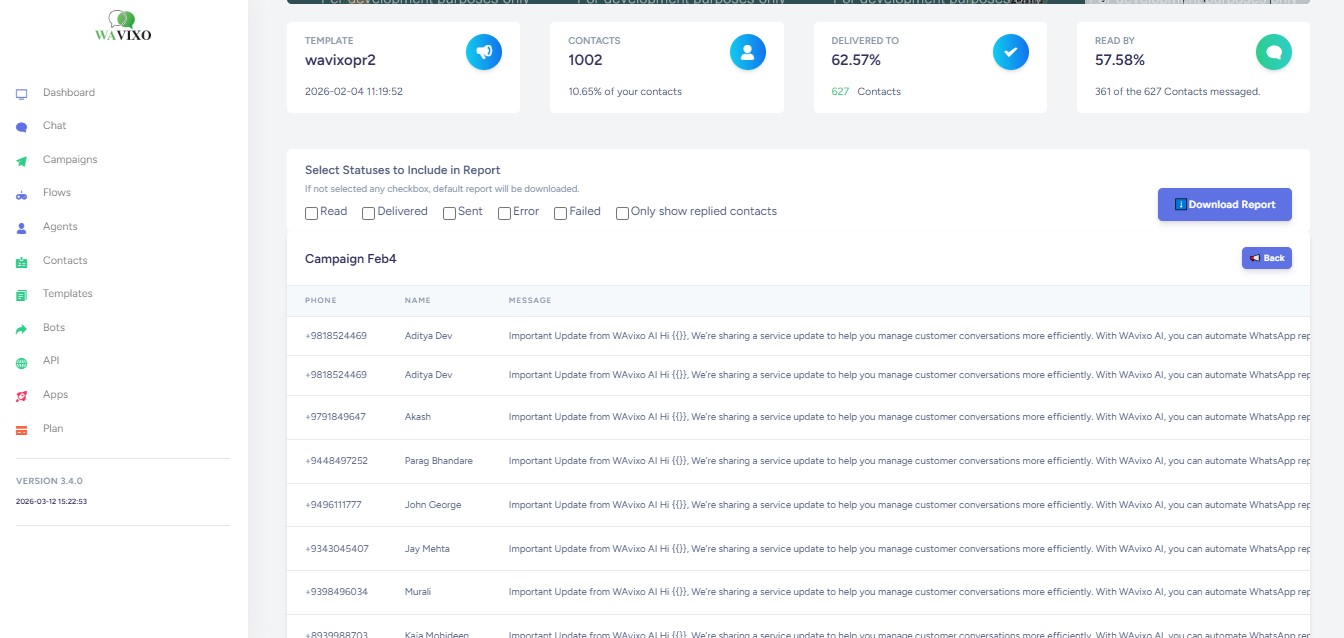
#3 You will see the detailed report of the campaign you have run and also can download the reports.

wavixo

Make your Productivity
more efficient. From this time.

Get the Demo and unplash your productivity. Feel Free to get the
latest Technology. Have a good time

layer