

Meta Tech Provider

Help Center - Articles Detail

How to Create
a free Wavixo Account?
A simple guide to help you set up your Wavixo account for your business.
To begin your WhatsApp engagement journey with Wavixo, the first step is to create a FREE Wavixo account.
Follow the steps below to get Started
1. Sign Up on the Wavixo App
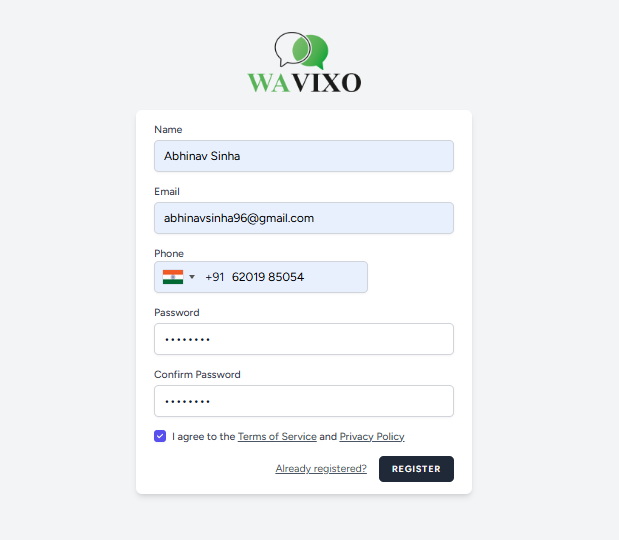
Go to the Wavixo signup page to begin.
You can sign up quickly using your Google account.
If you want to use another business email, simply fill out the sign-up form.
2. Your Forever Free Plan Is Now Activated
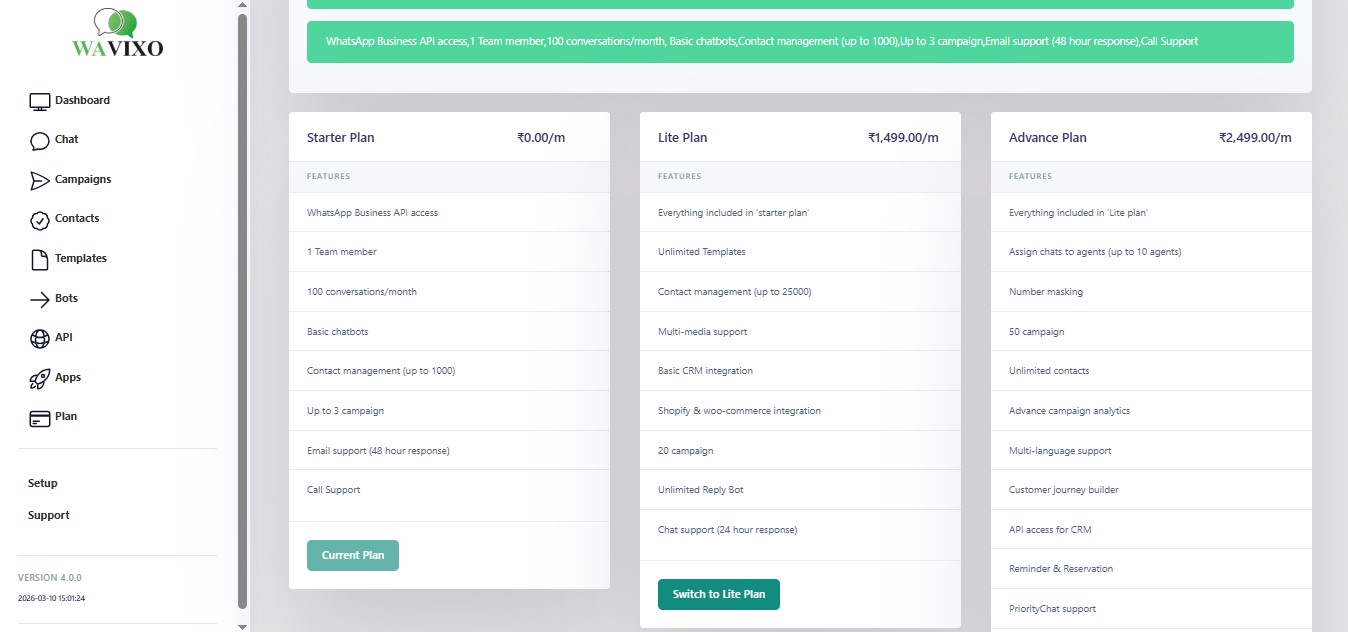
After completing your registration, you enter Wavixo’s Forever FREE Plan, which provides:
What Should You Do Next?
After joining the Forever FREE Plan, the most important next step is
applying for the FREE WhatsApp Business API via Wavixo.
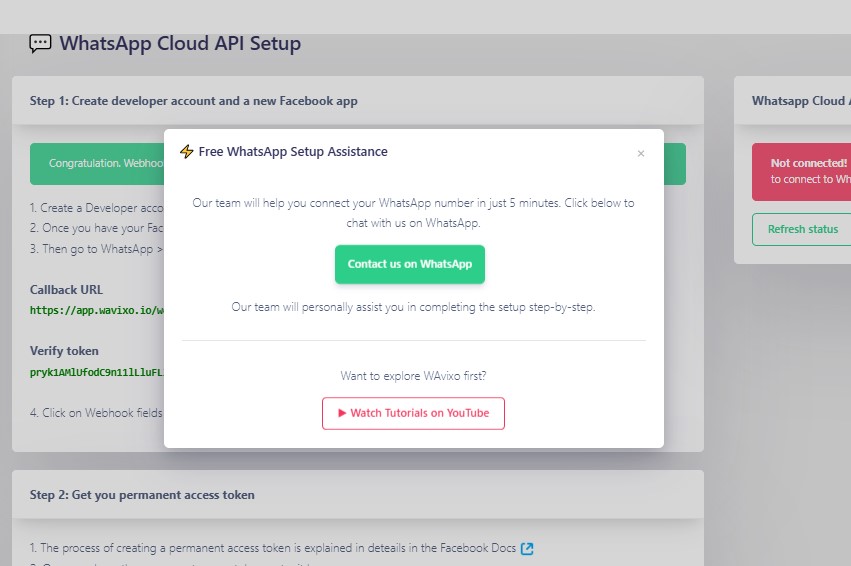 Getting WhatsApp Business API access unlocks advanced features such as:
Note
Note: If you encounter any challenges or have further questions, our dedicated support team is always ready to assist you. Your satisfaction is our priority, and we’re here to help you make the most out of wavixo. Thank you for choosing us, and we look forward to supporting your journey!


Make your Productivity
more efficient. From this time.
Get the Demo and unplash your productivity. Feel Free to get the
latest Technology. Have a good time