

Meta Tech Provider

Help Center - Articles Detail

How to Apply
for WhatsApp Business API
A step-by-step walkthrough to apply for the WhatsApp Business API through Wavixo.
Why You Need the WhatsApp Business API
A WhatsApp Business API account is essential to access Broadcasting and all advanced Wavixo features. This is why it is necessary to submit your application for the WhatsApp Business API.
Prerequisites Before Applying
1. A Business Website
A functioning business website is mandatory to qualify for the WhatsApp Business API.
2. A Fresh Phone Number
You must use an active number that is not currently registered on any WhatsApp account.
You can use an old number, but only after permanently deleting the WhatsApp account/app linked to it.
Once these requirements are met, you're ready to begin the application.
Steps to Apply for WhatsApp Business API via Wavixo
1. Sign Up on the Wavixo App
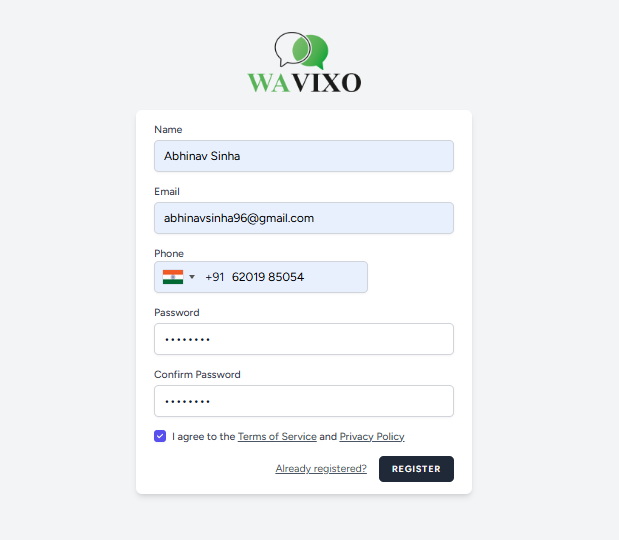 Start by creating an account on the Wavixo app under the Forever Free Plan.
2. Fill in Your Details & Click “Complete Signup”
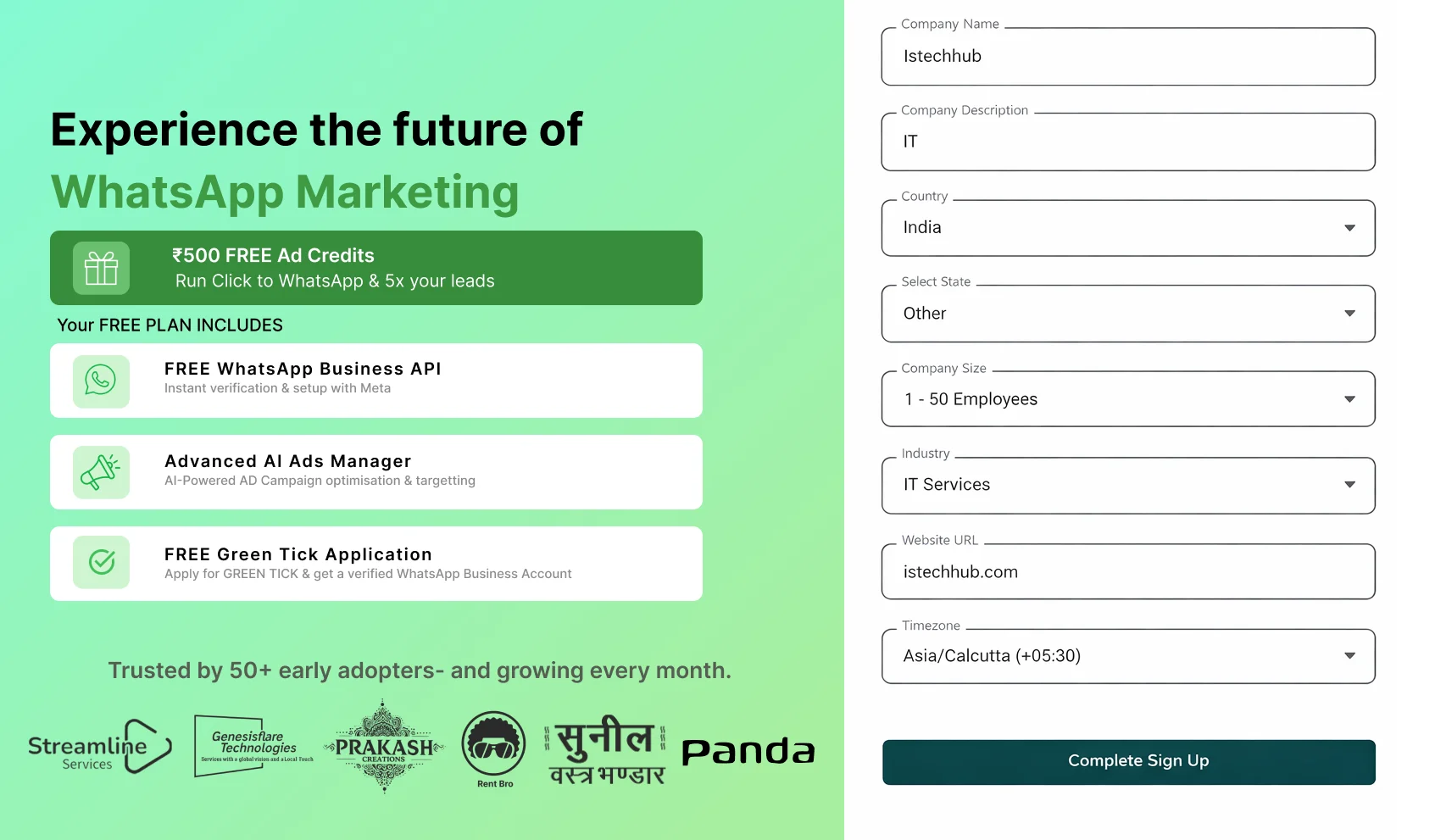 Enter the necessary personal and business information, then click Complete Signup.
3. Your Forever FREE Plan Is Activated
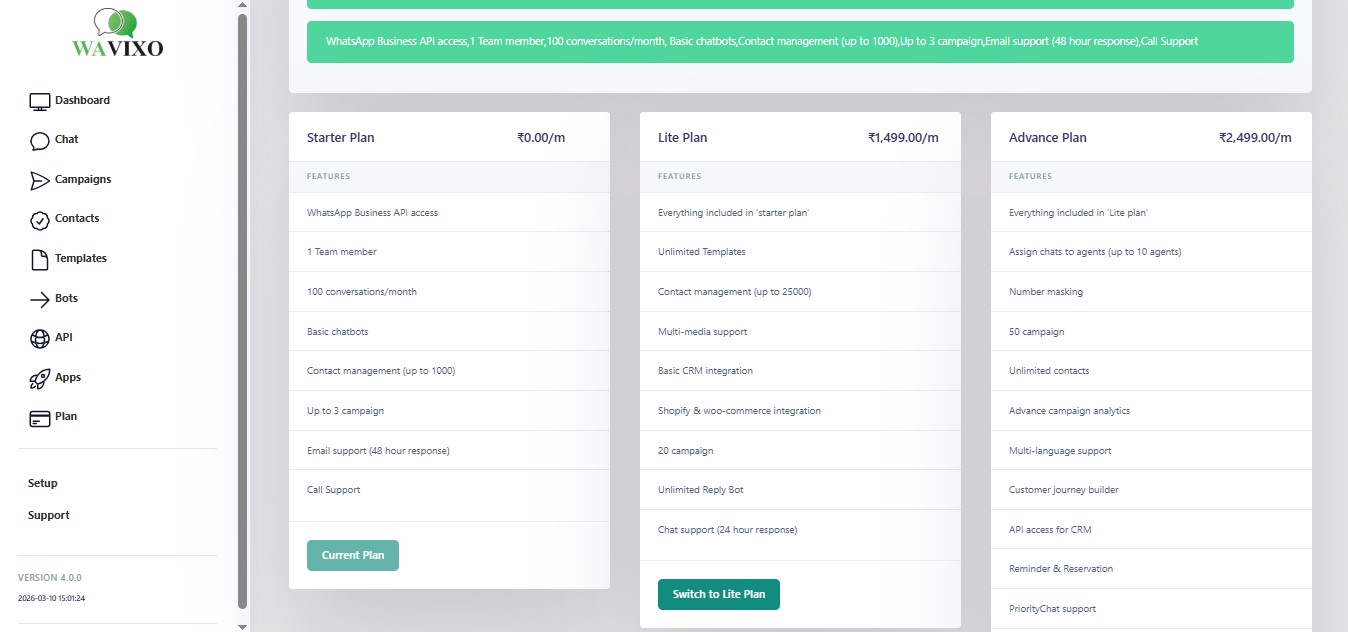
After completing your registration, you enter Wavixo’s Forever FREE Plan, which provides:
You will see the Dashboard like this after completing the setup
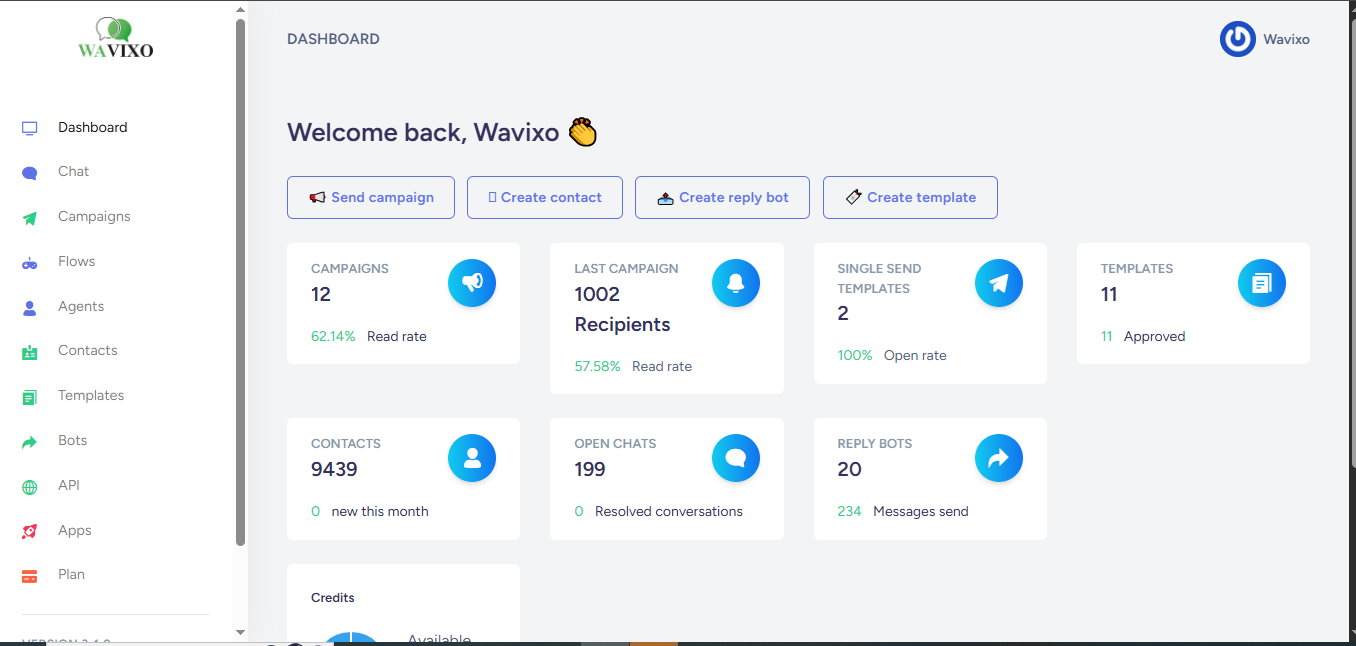
Congratulations! 🎉
Once you see the confirmation screen (page 9), your application has been successfully submitted.
Most reviews are completed within 10 minutes, though Display Name approval may take up to 3–4 hours.
After approval, your WhatsApp Business API status inside the Wavixo Platform will update to LIVE.


FAQ
Get answers to your
questions in our FAQ’s!
Streamline your inquiries—explore our FAQs to save time
Make your Productivity
more efficient. From this time.
Get the Demo and unplash your productivity. Feel Free to get the
latest Technology. Have a good time